OpenText D2 Documentum
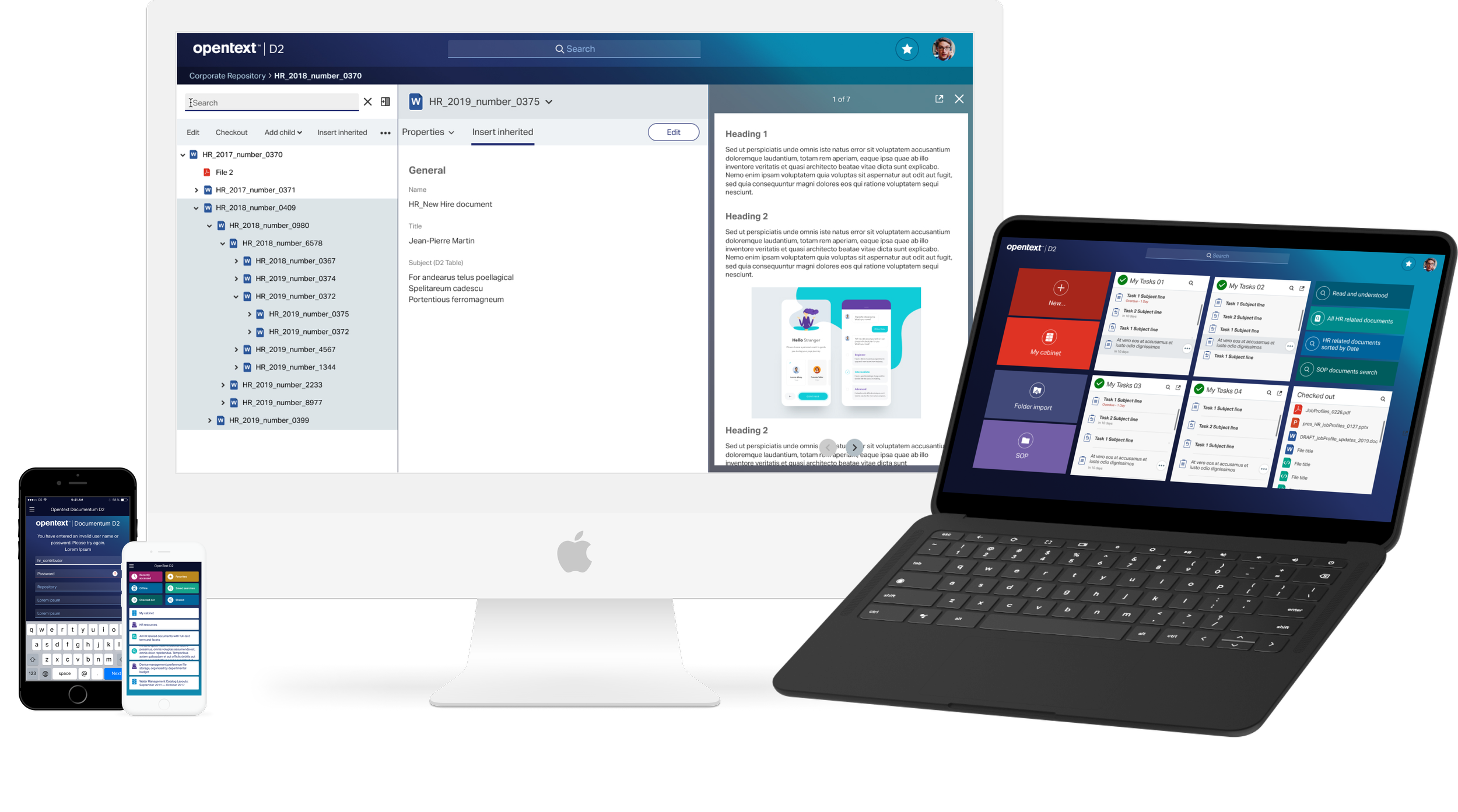
My Role
Visual Designer +UX
Background
EMC bought D2 back in 2012. The first image is their earlier design for the product. OpenText purchased D2 from EMC and revamped it a bit.
Challenge
OpenText grows through acquisitions. This means there a number of products with very different user experience and a very loyal customer base. The challenge was integrating the D2 application into OpenText suite of products so it feels like it's part of one family. At the same time, we should not move too far away from original D2 workflow and experience or we risk losing customers or alienating them. A delicate balance.
Problem solving
The resolution of UX problems for D2 was a great team effort. Its a fairly large application. I worked on a handful of features:
Virtual Doc
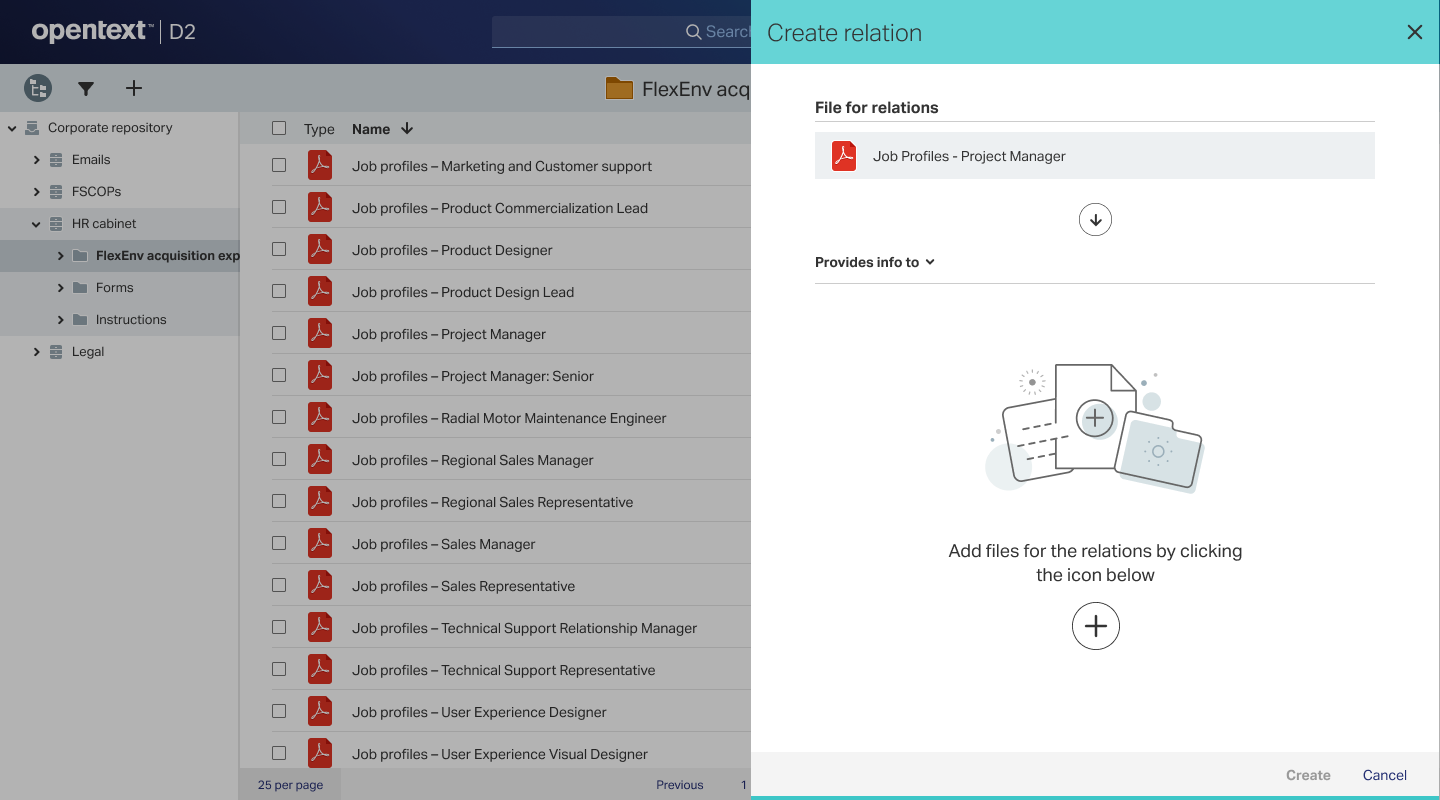
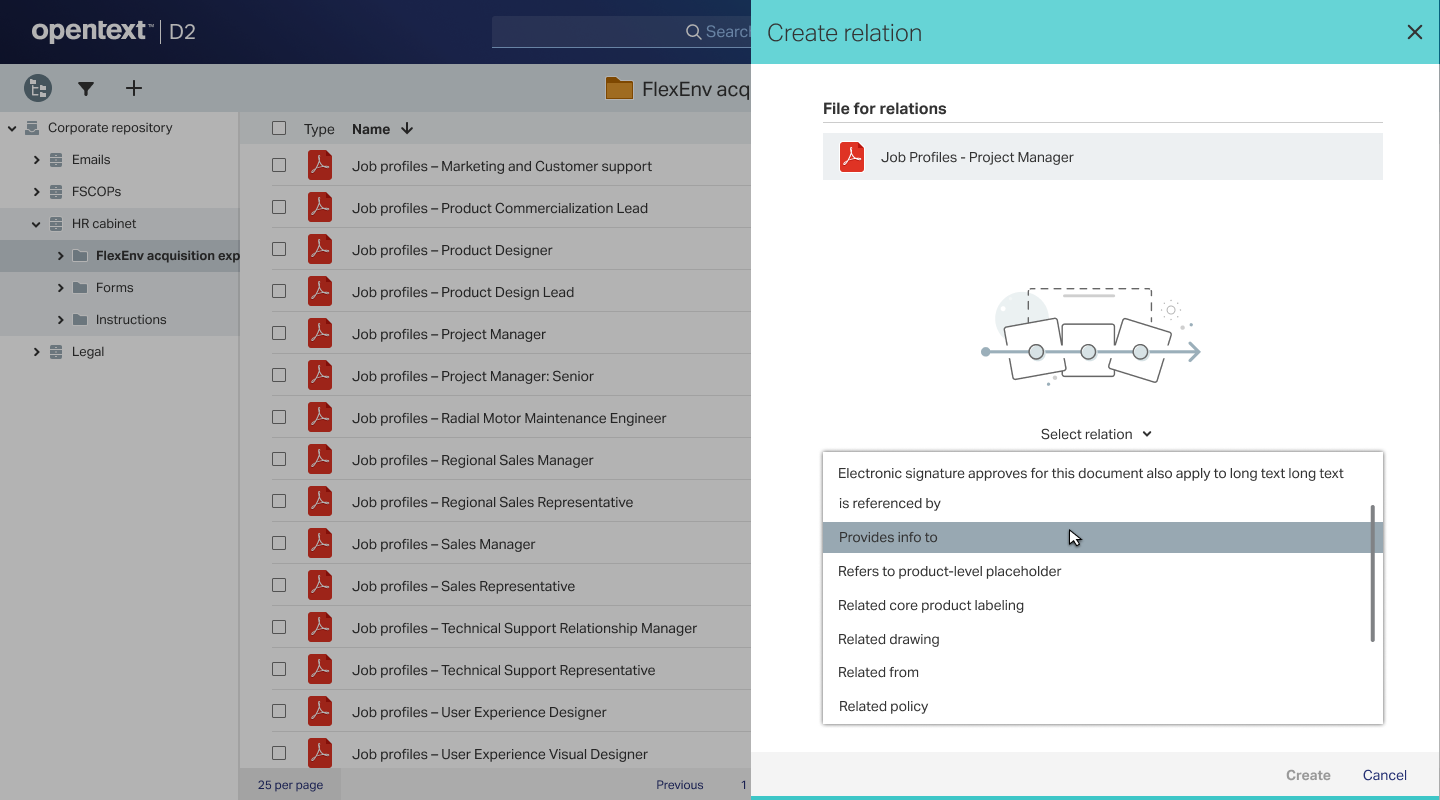
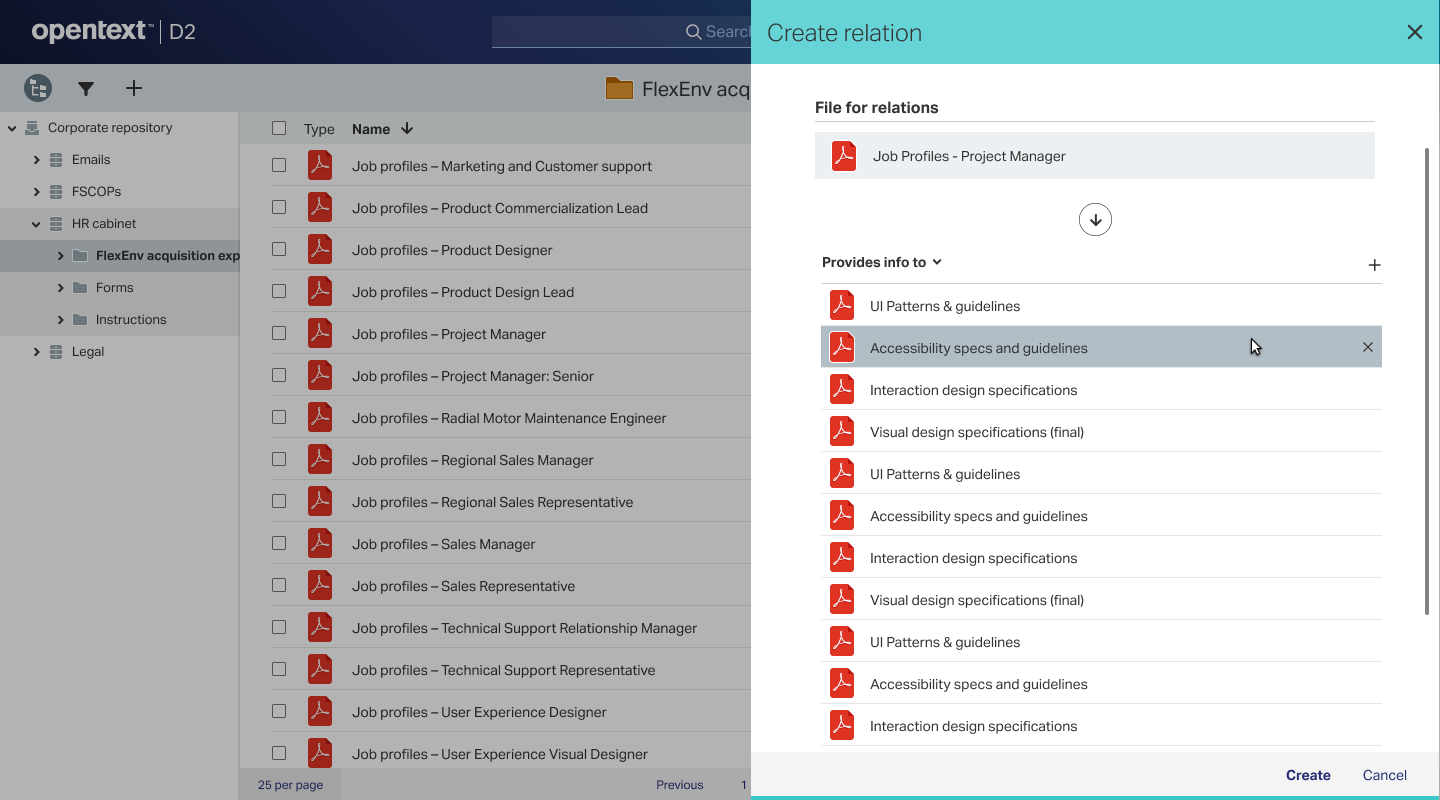
Support/create relations
User settings
Task processing &
Mobile designs for the same.
I will walk through two of the application feature’s evolution and decision process - VDoc and Support/Create Relations.
Vdocs
VDoc is short for Virtual Document. Its a quick preview feature for documents. One can read, edit properties and perform other operations on it.
This is the original interface for VDocs.
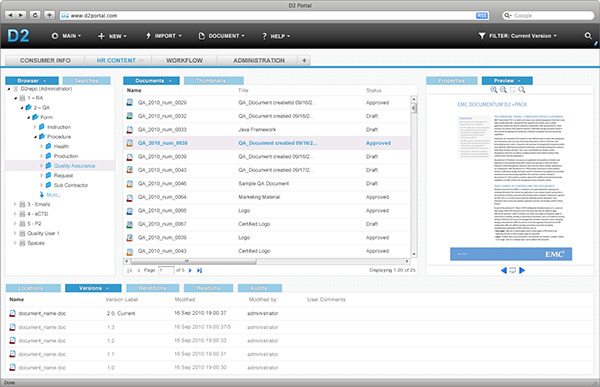
VDoc was a popular feature on original D2. The interface and user experience, however, was a bit dated. The visual style also was quite removed from our OpenText guidelines.
Our task was to retain the broadstrokes user experience so as to not alienate the original user base while updating the style and more subtle user flows.
This is our design for the same page:
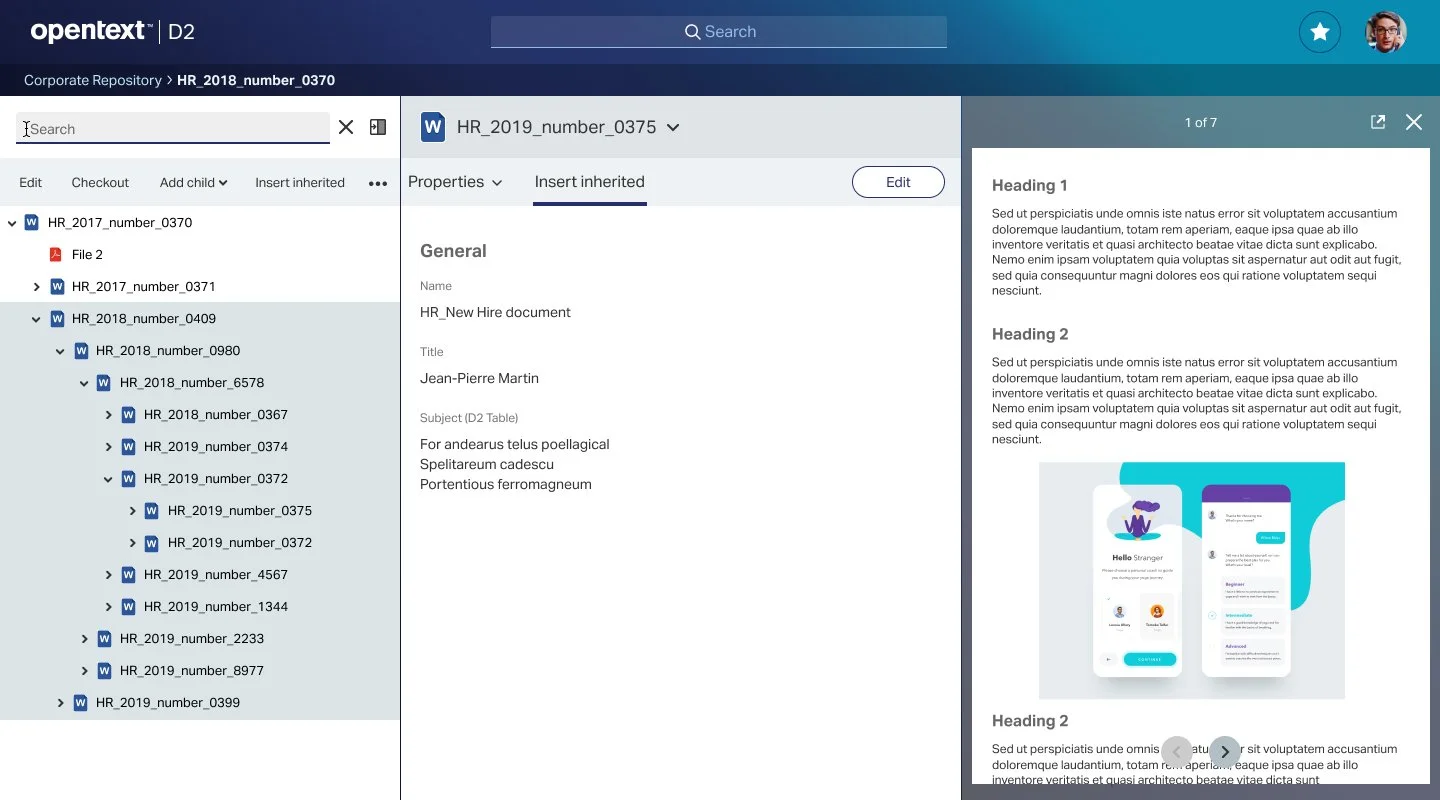
The page has three components - the left panel/ menu used for navigation of files, the central area used to view and edit properties and the right panel which has a preview of the document.
These are the different states we designed for right panel:
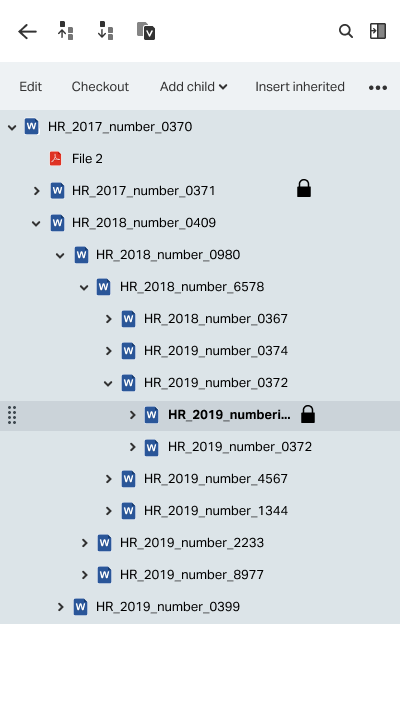
Left Panel: The earlier versions had some issues.
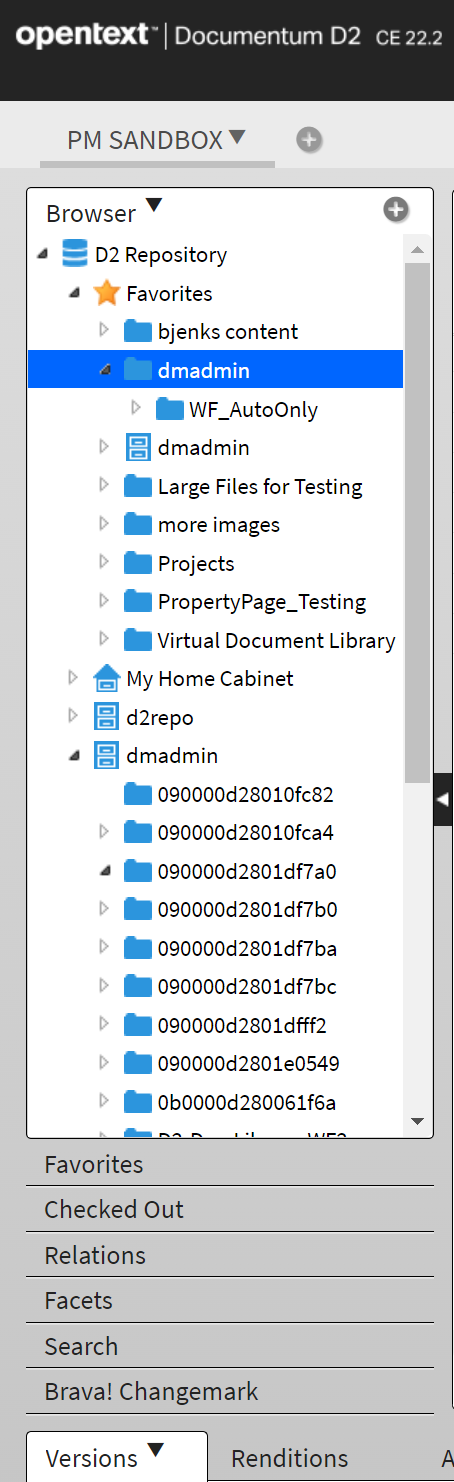
It took up a lot of space, the navigation was a bit stuck and the use was not very intuitive.
We cleaned up the left panel quite a bit by expanding it and burying a number of features into icons and dropdowns. We also cleaned up the icons for folders, pdf and others.
Support/Create Relations
I had significant input for the UX as well as the visual design of this feature.
In D2 how was the workflow? The initial workflow in wireframes. The final design:
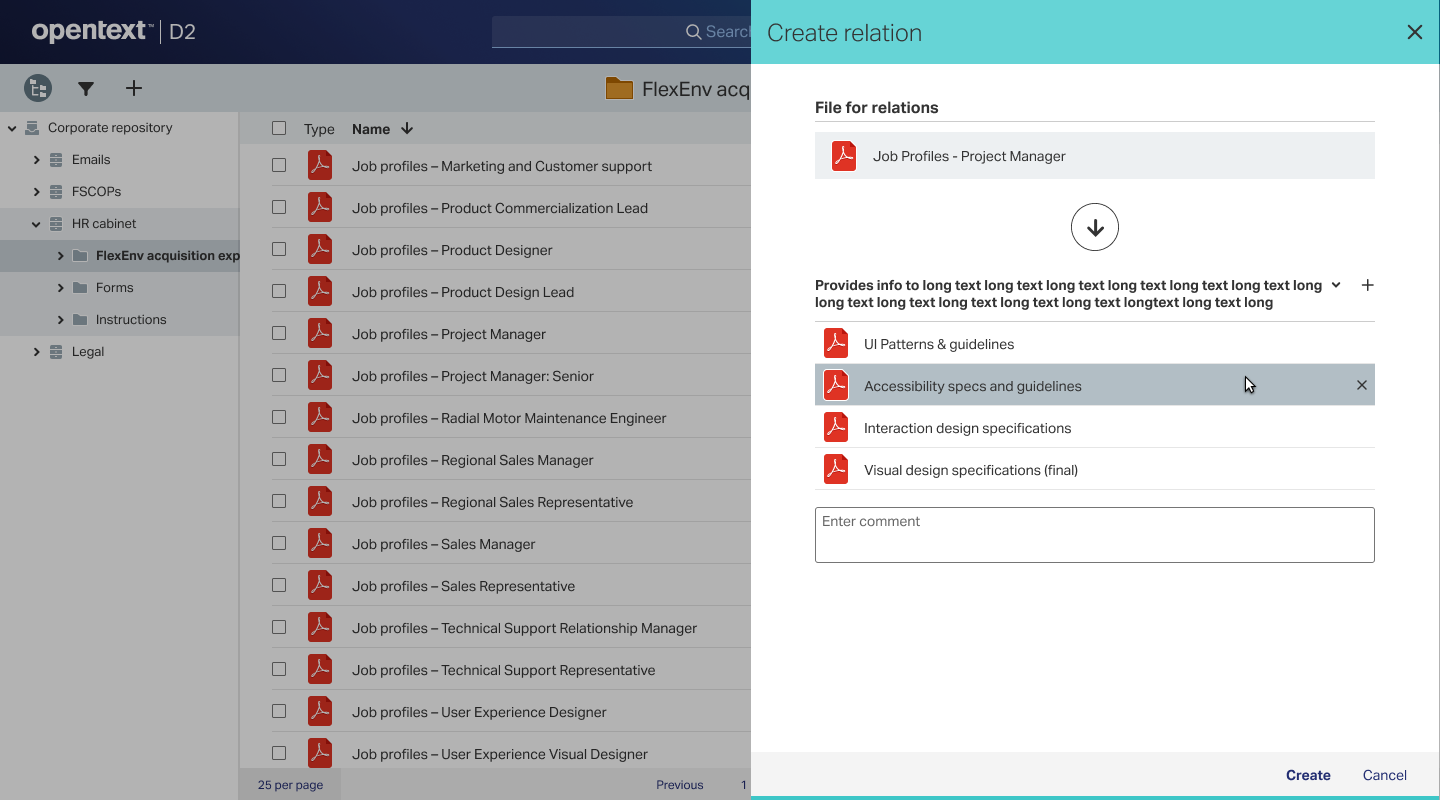
Here is a short video on the workflow
Task processing
I worked on icons and the screens for task processing.
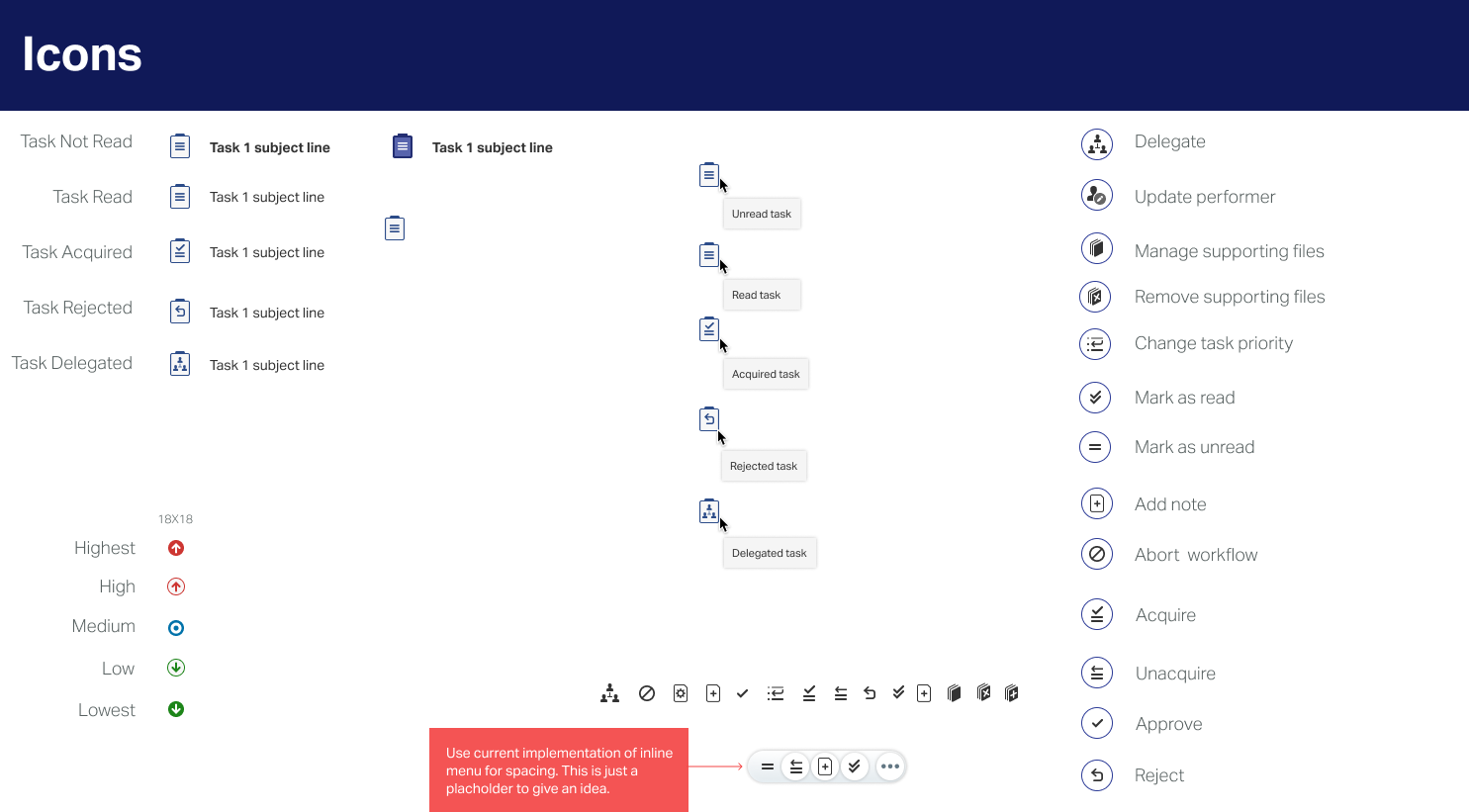
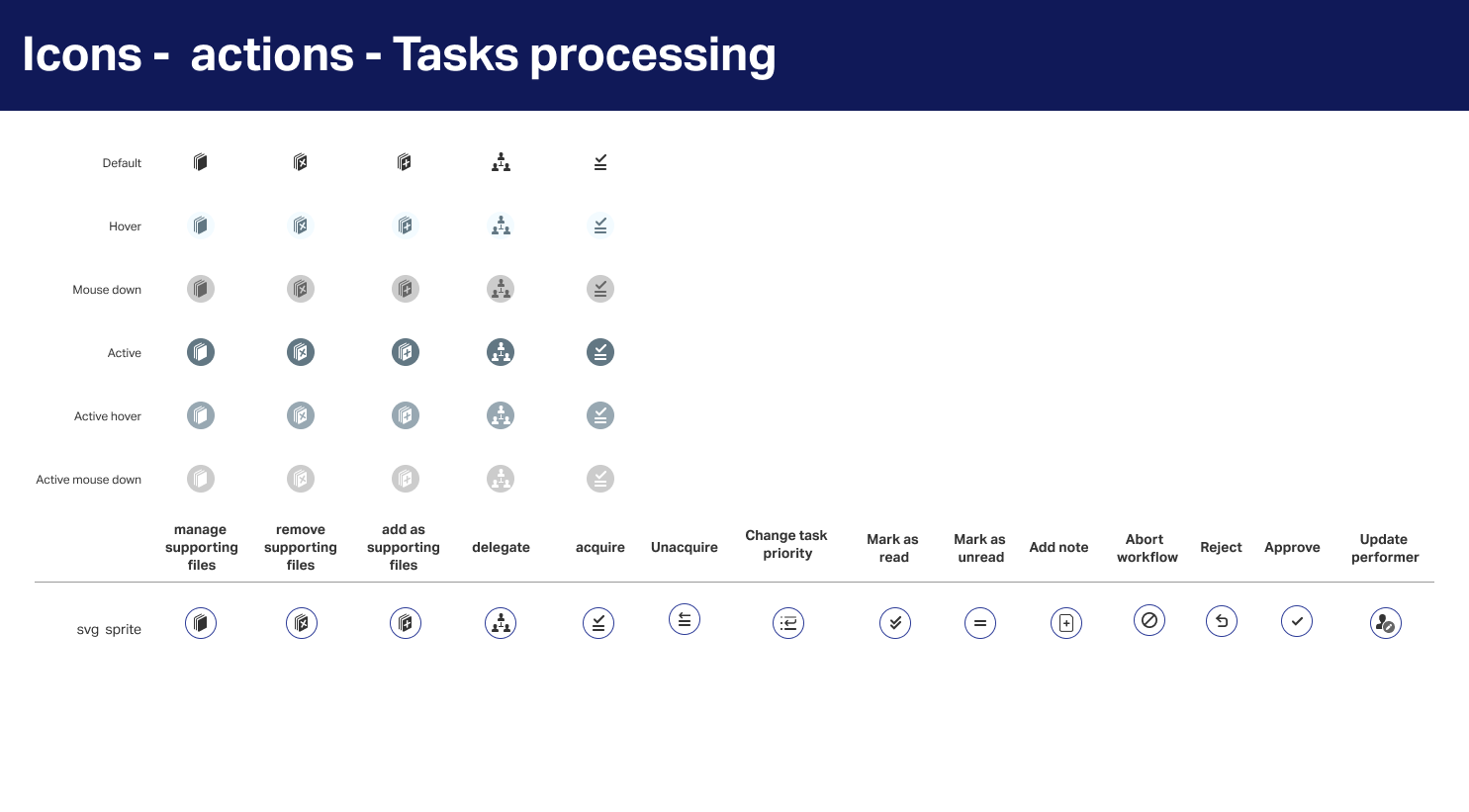
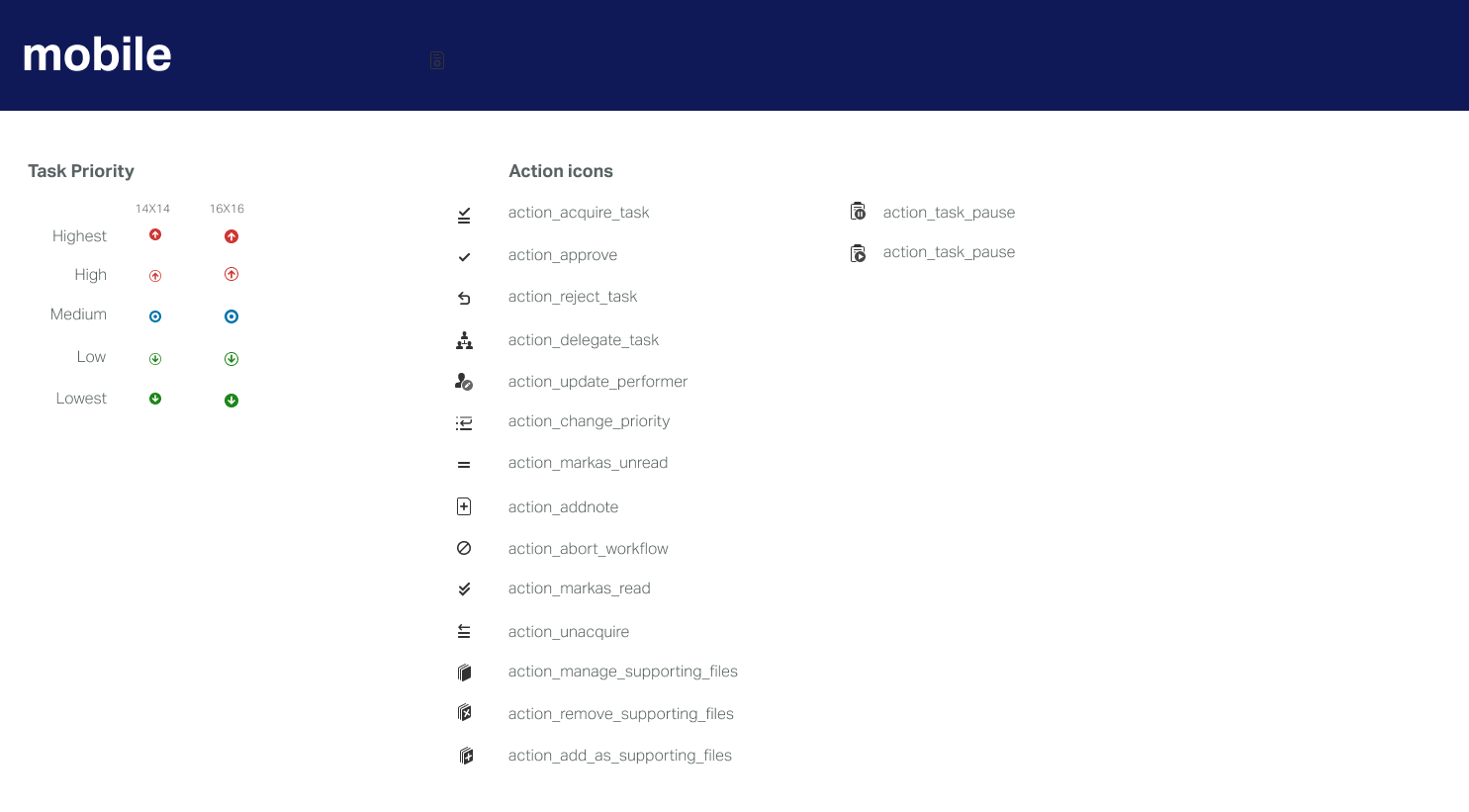
The final screen designs with the icons:
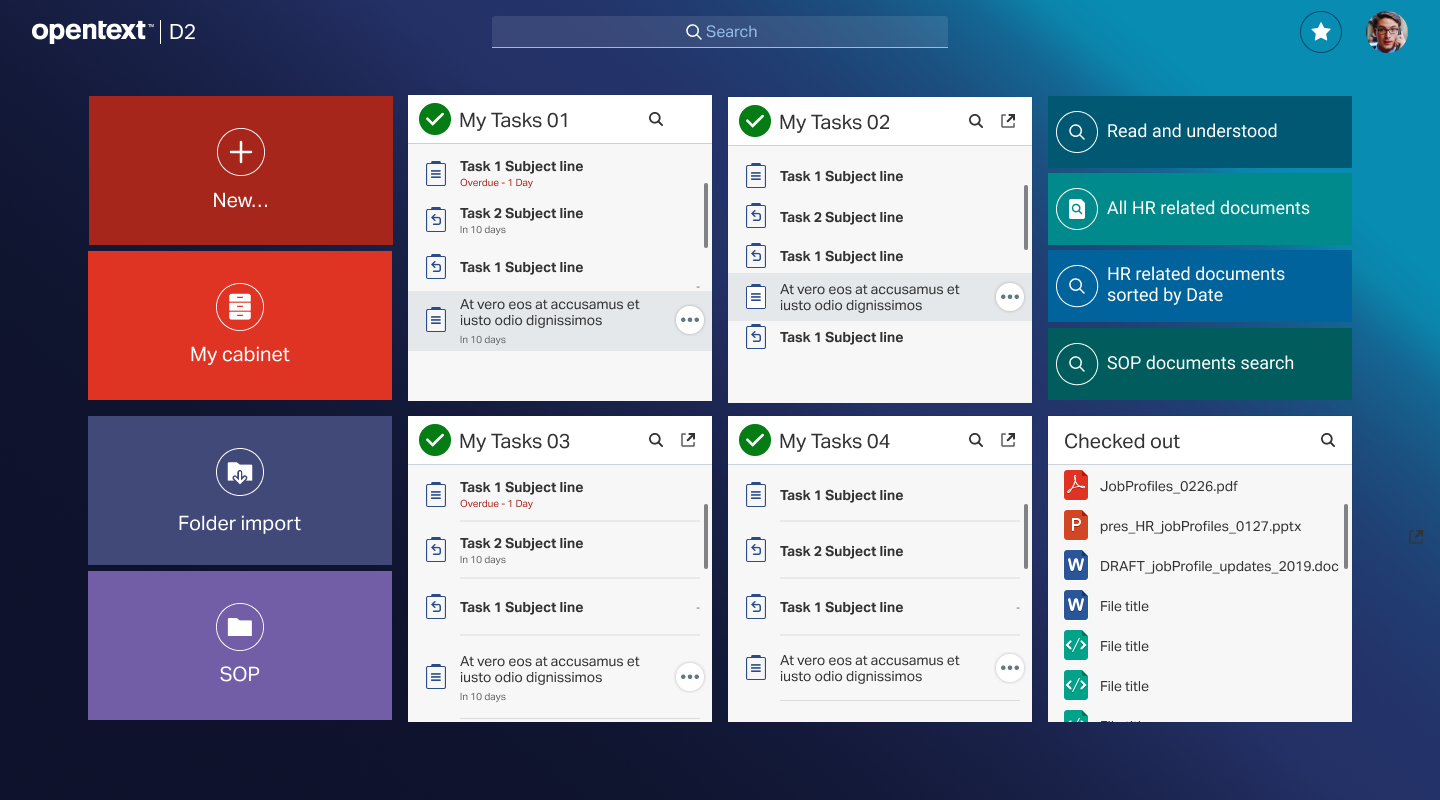
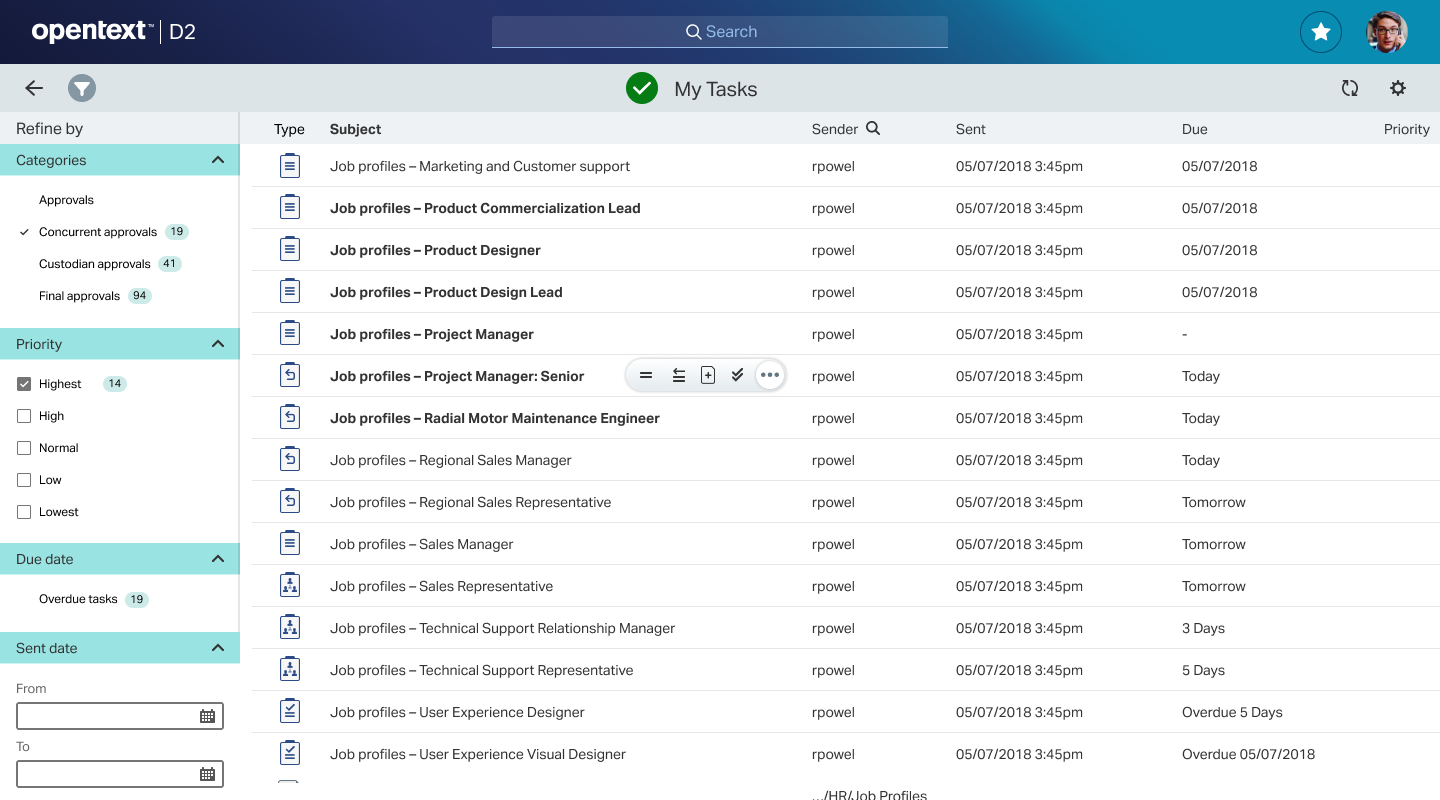
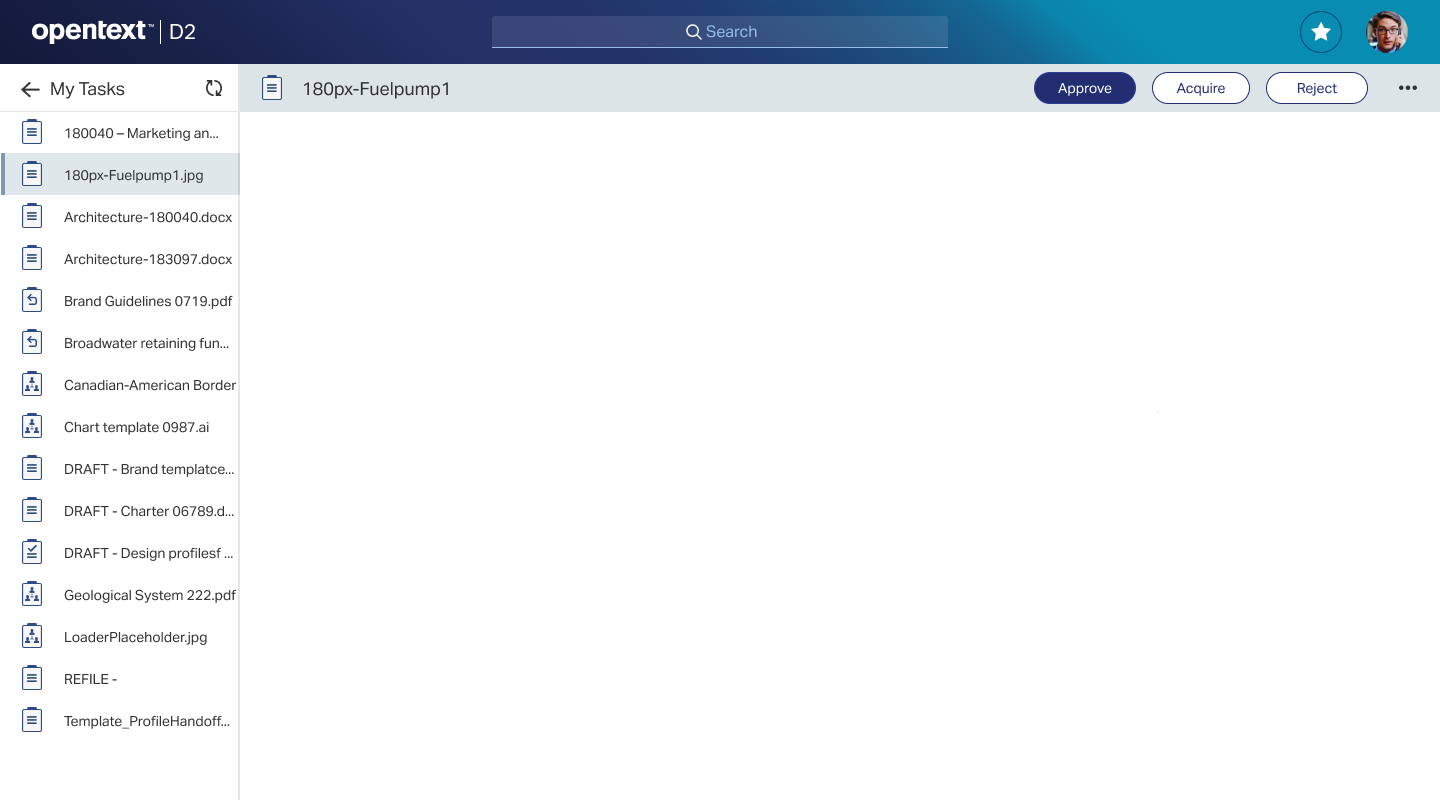
And here is a video showing the final product in the market:
Mobile Designs
Here are some mobile designs I did for the same features:
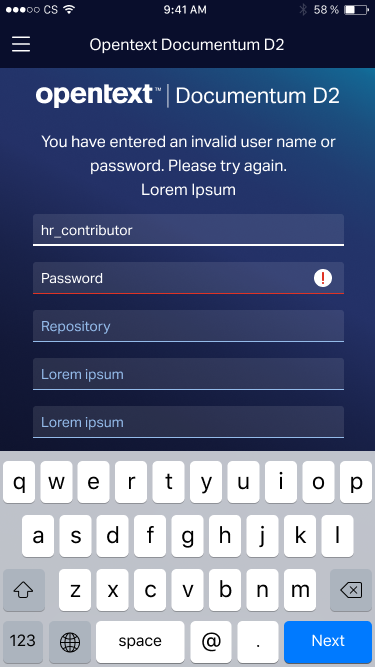
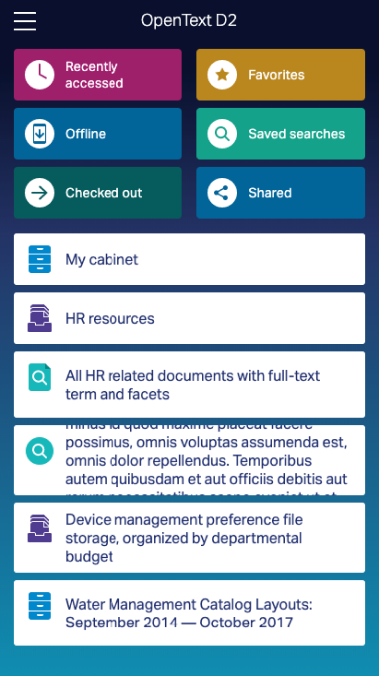
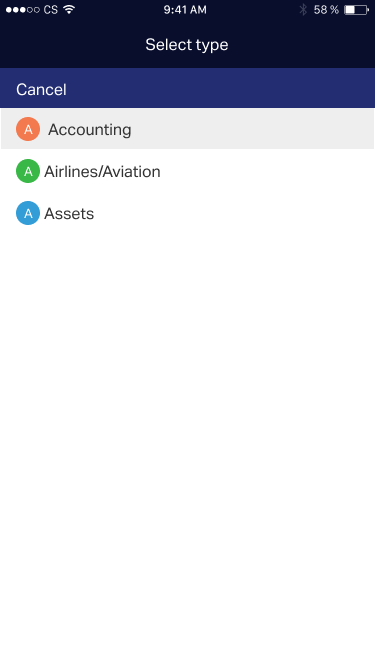
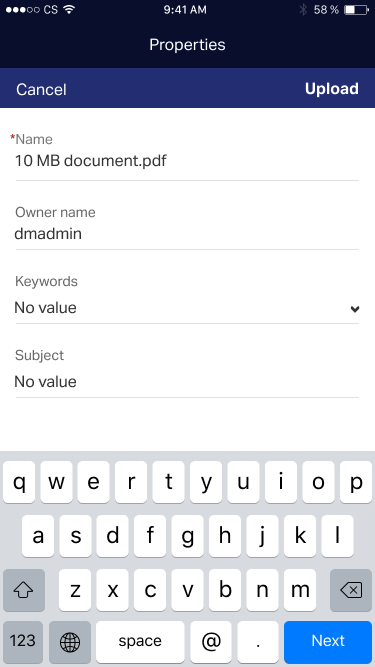
Here are some videos explaining the working of D2 Mobile App:
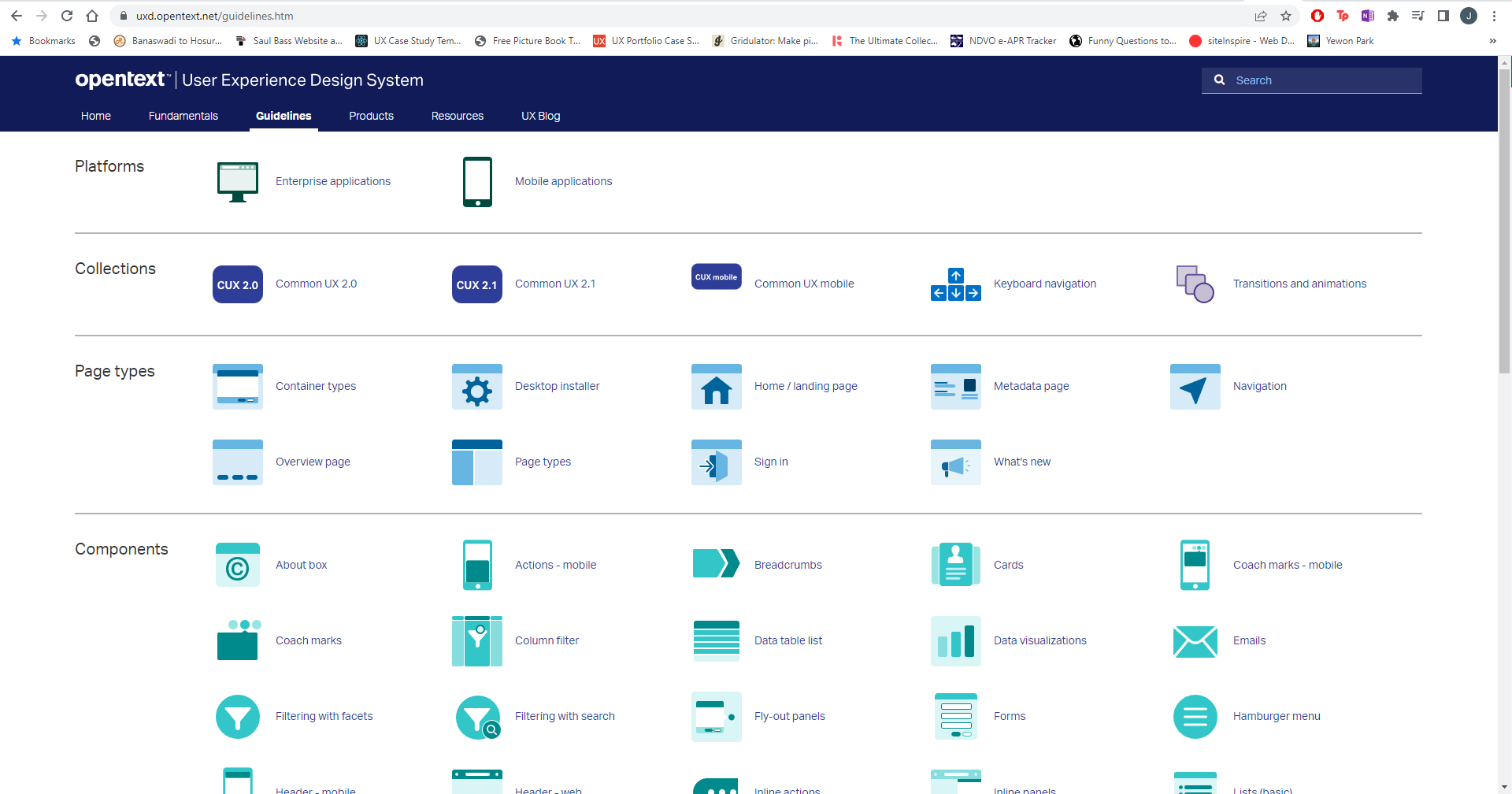
Adding design to UX Design Library
Once the designs were done, we went through multiple rounds of reviews and negotiations. Once these were finalised, we moved the components to our internal design library.
Rollout & Impact
"Documentum has proven that if you stick to things and stay consistent, people appreciate it. When I see an engineer uses Documentum to fix something, I know it’s worth its weight in gold."
-Andrew Manington, Document Manager, Heathrow Airport Ltd.
https://www.opentext.com/customer-stories/customer-story-detail?id=1325
We were looking for a case management platform that is robust and extensible, and that is exactly what the combination of Fujitsu CaseM and the OpenText Documentum platform offers us.
Vesa Heinälä, Director, Kuntien Tiera Oy
From <https://www.opentext.com/customer-stories/customer-story-detail?id=1628>